
FileRecall vs Dropbox: Which Is Better for Secure File Sharing and Document Control?
Introduction: Why This Comparison Matters
Dropbox is one of the most widely used cloud storage and file-sharing platforms in the world. It is trusted by individuals, teams, and enterprises for storing files, syncing documents across devices, and sharing folders with colleagues and clients.
However, as businesses increasingly handle sensitive and confidential information online, the requirements for file sharing have evolved.
Today, it is no longer enough to simply store and share files.
Modern organisations also need:
- The ability to control access after sending a file
- Visibility into who opened a document
- The option to revoke access instantly
- Secure, trackable document delivery
- Expiry controls and permissions management
This is where FileRecall introduces a fundamentally different approach compared to Dropbox.
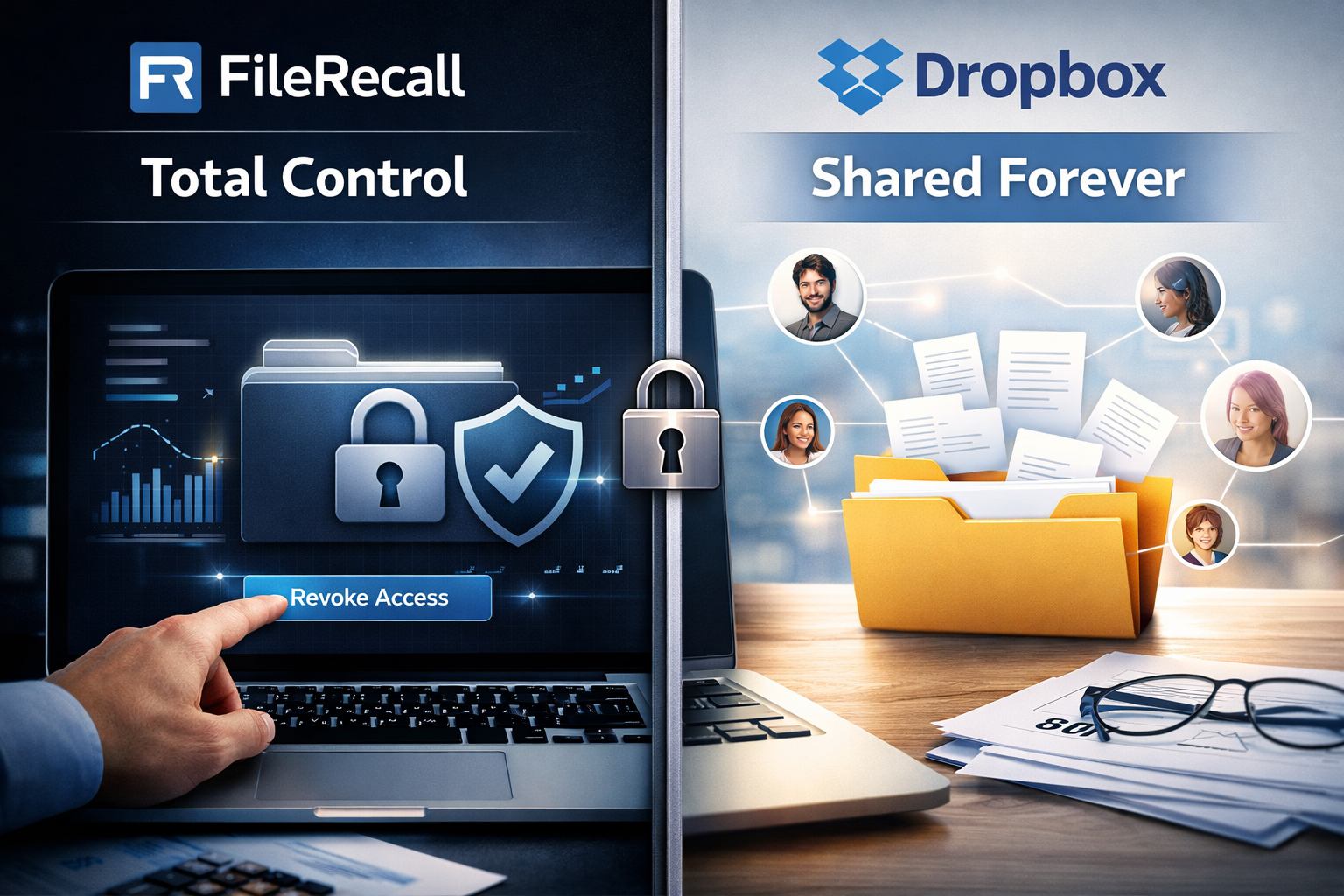
While Dropbox focuses on cloud storage and collaboration, FileRecall is built specifically for secure file sharing with post-send control, including file recall, access revocation, tracking, and security enforcement.
In this article, we compare FileRecall vs Dropbox in detail so you can understand which platform better suits modern secure document workflows.

What Is Dropbox?
Dropbox is a cloud-based file storage and collaboration platform designed to help users:
- Store files in the cloud
- Sync documents across devices
- Share folders and files with others
- Collaborate on documents in real time
- Access files from anywhere
Dropbox is highly effective as a general-purpose file storage system.
It is widely used for:
- Internal team collaboration
- File backup and syncing
- Shared project folders
- Personal file storage
However, Dropbox was not originally designed as a secure post-send control system, which becomes important when sharing sensitive business documents externally.
What Is FileRecall?
FileRecall is a secure file sharing platform designed to give users complete control over documents even after they have been sent.
Instead of focusing on storage, FileRecall focuses on controlled delivery and post-send document management.
With FileRecall, users can:
- Revoke access to shared files at any time
- Recall or disable access links instantly
- Track who opened a file and when
- Control whether files can be downloaded
- Set expiry dates on shared documents
- Add password protection
- Apply watermarks to PDFs
- Maintain visibility over document activity
This makes FileRecall particularly useful for sharing:
- Contracts
- Legal documents
- Financial reports
- Investor decks
- Confidential business plans
- Client records
- Intellectual property
To understand the core concept behind this approach, see:
👉 How to Recall a Sent File
Core Difference: Storage vs Post-Send Control
The fundamental difference between Dropbox and FileRecall is not features — it is philosophy.
Dropbox focuses on:
- Storing files securely
- Syncing data across devices
- Collaboration inside teams
FileRecall focuses on:
- Controlling files after they are sent
- Managing external access
- Recalling shared documents
- Monitoring document activity
This distinction is critical for businesses handling sensitive information.
Feature Comparison: FileRecall vs Dropbox
1. File Sharing Approach
Dropbox
- Shares files or folders via links
- Focused on collaboration and access
FileRecall
- Shares secure, controlled access links
- Designed for controlled distribution
- Built for external document sharing with restrictions
2. File Recall and Access Revocation
This is the most important difference.
Dropbox
- Limited ability to revoke access
- Once downloaded, files may remain accessible
- No true “recall” functionality
FileRecall
- Full file recall capability
- Instantly revoke access to shared files
- Disable links at any time
- Prevent further viewing immediately
👉 Learn more: What Is File Recall?
3. Tracking Who Opened a File
Dropbox
- Limited visibility depending on plan
- Basic activity logs in some cases
FileRecall
- Detailed file activity tracking
- See who opened a file and when
- Monitor engagement history
- Track document access behaviour
👉 Related article: How to Track Who Opened a File
4. Expiry Controls
Dropbox
- Link permissions can be manually adjusted
- No strong native expiry-first sharing model
FileRecall
- Set automatic expiry dates on all shared files
- Access is removed automatically after a set time
- Ideal for temporary or confidential sharing
5. Password Protection
Dropbox
- Password protection available on some plans or shared links
- Limited enforcement depending on configuration
FileRecall
- Built-in password protection for shared files
- Adds an additional layer of document security
- Ideal for sensitive external sharing
6. Download Control
Dropbox
- Allows downloads by default depending on permissions
- Limited granular control for external sharing
FileRecall
- Control whether files can be downloaded or only viewed
- Helps prevent uncontrolled distribution
Security Comparison
Security is one of the most important factors when sharing business documents.
Dropbox Security Strengths
Dropbox provides:
- Strong cloud infrastructure
- Encryption at rest and in transit
- Account-level security controls
- Two-factor authentication
It is secure as a storage platform.
FileRecall Security Strengths
FileRecall adds an additional layer of document-level security, including:
- File recall and revocation
- Access expiry controls
- View tracking and audit trails
- Controlled download permissions
- Password-protected sharing
- Watermarking for sensitive files
This makes FileRecall more suitable for external document sharing where control matters after sending.
Use Case Comparison
When Dropbox Is the Better Choice
Dropbox is ideal for:
- Internal team collaboration
- File storage and backup
- Shared workspaces
- Long-term file organisation
- Device syncing
When FileRecall Is the Better Choice
FileRecall is ideal for:
- Sharing confidential external documents
- Legal and financial document distribution
- Investor relations and fundraising
- Client proposals and contracts
- Sensitive creative or intellectual property
- Situations where access must be controlled after sending
Industry Use Cases
Legal Professionals
Law firms can revoke access to contracts and legal documents after sending.
Finance & Accounting
Accountants can securely share financial statements with controlled access.
Startups & Investors
Founders can track investor engagement with pitch decks and revoke access if needed.
Film & Creative Industries
Scripts, budgets, and creative assets can be protected from unauthorized sharing.
Why File Recall Is a Game-Changer
Traditional file sharing assumes that once a file is sent, control is lost.
FileRecall reverses that assumption.
With file recall technology, users can:
- Take back access after sending
- Monitor document activity
- Control distribution at all times
- Reduce risk of data exposure
This shift is becoming increasingly important as businesses move toward remote work, digital collaboration, and cloud-based workflows.
To understand this in more detail, see:
👉 How to Recall a Sent File
Final Verdict: FileRecall vs Dropbox
Dropbox remains one of the most powerful cloud storage platforms available today.
However, it is primarily designed for:
- Storage
- Syncing
- Collaboration
FileRecall is designed for a different purpose:
- Secure document delivery
- Post-send control
- File recall and revocation
- Access tracking and security enforcement
Simple summary:
- Use Dropbox for storing and collaborating on files internally
- Use FileRecall for securely sending files externally with full control